Security assessment standards and process

From scope agreement to vulnerability verification, reporting and retesting.
We document the evidence and judgements at every stage.

The four stages of assessment

Explore the report
  1. 01

    Confirming the assessment scope

    We identify the service’s purpose and key assets, then agree on testing scope, schedule and stopping criteria.

  2. 02

    Vulnerability verification

    We design attack scenarios around user roles and data flows, and verify reproducibility and impact.

  3. 03

    Reporting and remediation recommendations

    Management receives risk assessments and remediation priorities, while development teams receive reproduction evidence and specific recommendations.

  4. 04

    Retesting after remediation

    Within the agreed scope, we retest under the same attack conditions and document remediation results and residual risk.

For web applications and APIs, we use OWASP WSTG, and for AI, OWASP AITG as our testing references. Before work begins, we agree on the applicable Korean standards and retesting scope for ISMS-P assessment preparation, data protection and sector-specific security requirements.

Assessing security boundaries

Across the boundaries of inputs, permissions and data,
we identify vulnerable points and their impact.

Geometric rock sculpture composed of three sections An animation showing vulnerable points and analysis lines on the rock’s cross-sections.
Choose an assessment perspective
01 / Mapping the attack surface
02 / AUTHORIZATION

We verify each user’s access permissions.

Key assessment areasAssessment methods for AI, APIs and login sessions

SECURITY OBSERVATIONIllustrative scenario
External documentInternal AIInternal data
INDIRECT PROMPT INJECTION

We test whether instructions in external documents
can manipulate the AI’s behaviour.

We test whether instructions embedded in documents override system rules, and whether this leads to unauthorised information access or tool execution.
01 / 03
View a case reconstructed from an actual assessment
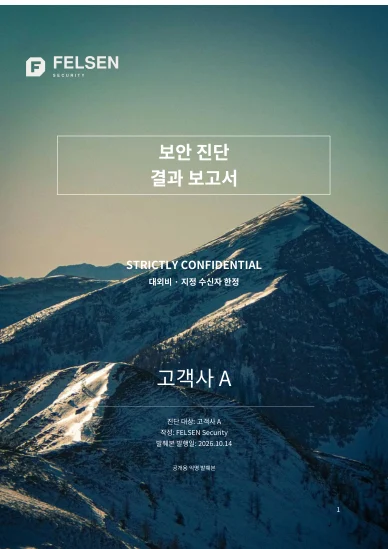
Cover of the FELSEN sample web application security assessment report
SAMPLE REPORT / 01

Security assessment report

An anonymised Korean-language extract from an actual report.
Omitted content is marked with ‘…중략…’.

Korean · PDF · 8 pages · 739 KB
Preview key report pages

Executive summary and detailed technical analysis pages, with customer information anonymised.
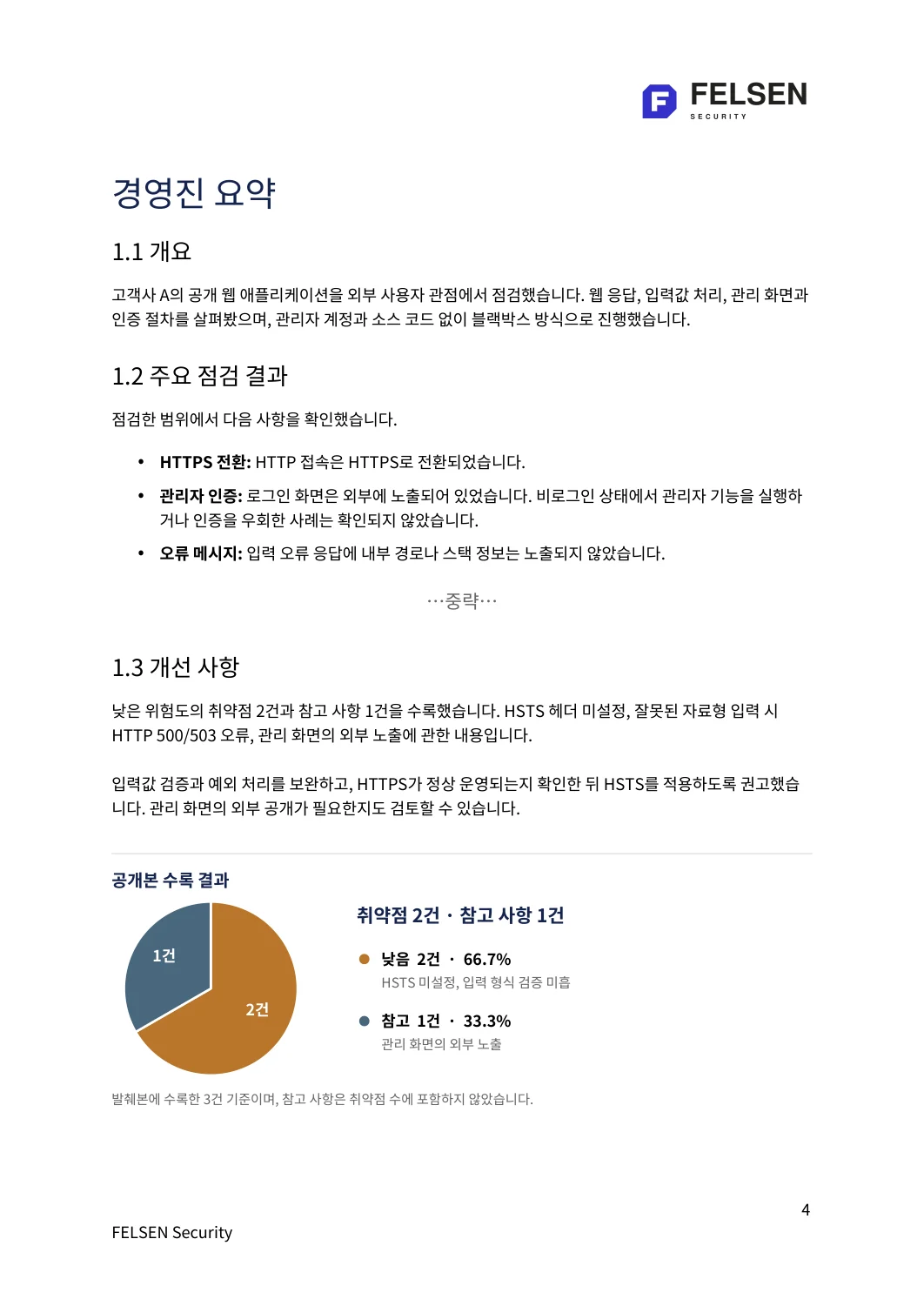
Executive summary with key findings and a vulnerability distribution chart
04 / Executive summaryA summary of key findings, vulnerability distribution and recommended improvements.View in PDF (new tab)
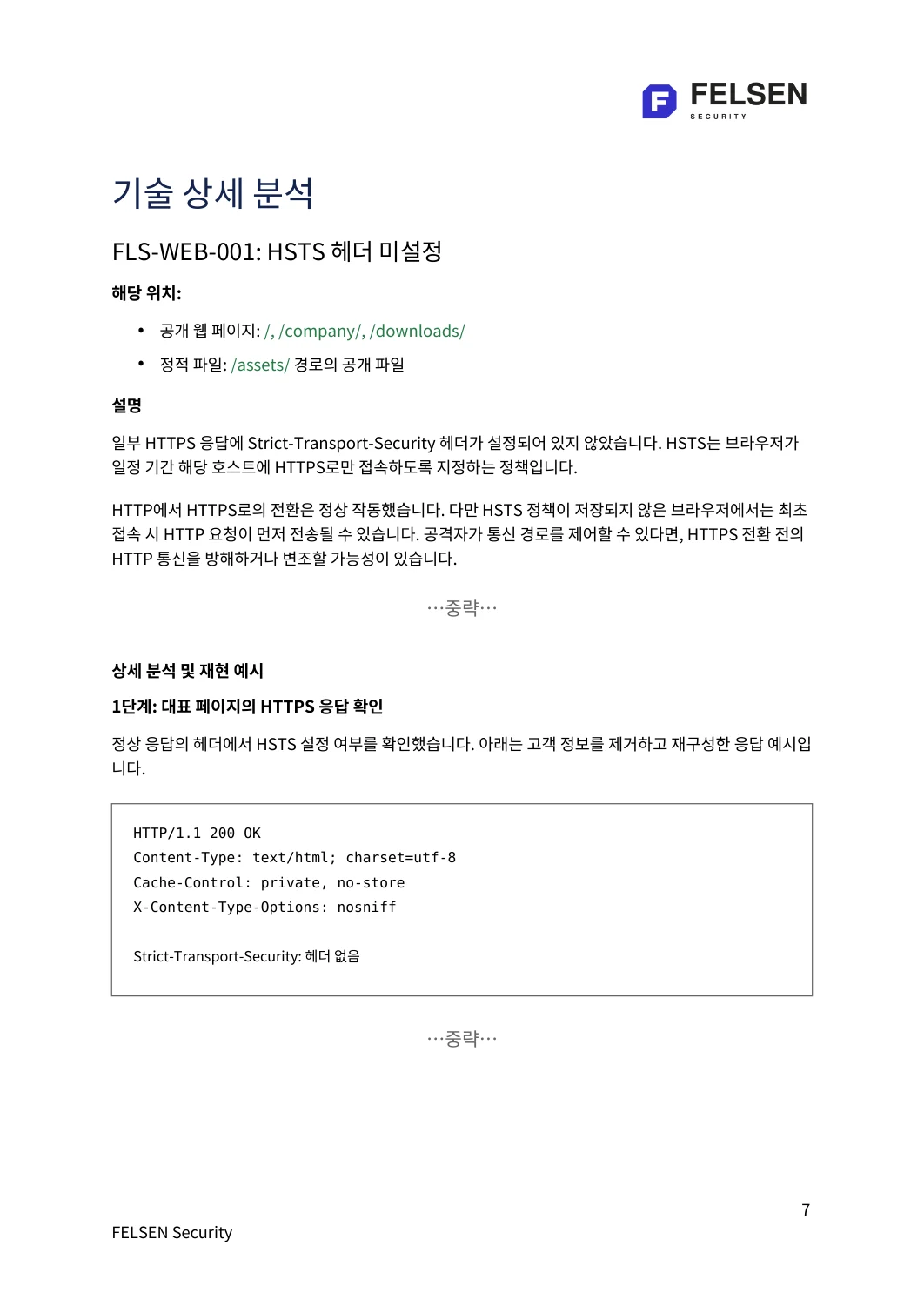
Analysis of a missing HSTS header and an HTTP response example with customer information removed
07 / Detailed technical analysisA missing HSTS header case and an anonymised response example.View in PDF (new tab)
ANONYMISED / SAMPLE REPORT
FELSEN SECURITY / WEB ASSESSMENT

Security assessment
Sample report

An anonymised Korean-language excerpt following the format of an actual security assessment report. Client identifiers have been removed, and omitted passages are marked in the document.

Executive summary
Summarises the distribution of vulnerabilities and remediation priorities.
Scope and methodology
Specifies the assessment targets, validation methods and scope.
Detailed analysis excerpts
Explains missing HSTS headers and input format validation with sample responses.
Remediation guidance
Sets out the impact of vulnerabilities and the improvements required.

Korean · PDF · 8 pages · 739 KB

Anonymised and reconstructed from past assessment work. This does not describe a client’s current security status or confirm that remediation is complete.

PRIVACY NOTE

How inquiry information is handled

This site’s inquiry form does not send your entries to its own server or store them in browser storage. We do not use analytics tools or marketing cookies.

The email button opens your email app. You send the message yourself from that app. Include only the information needed for your inquiry, and do not send passwords, access tokens or actual client data.

Copying your inquiry and saving files take place on your device when you press the relevant button. The hosting provider may process connection information needed to operate the service.

For inquiries and requests to delete information: mingi.hong@gainge.com